


Website migration without losing traffic: the SEO checklist I use
Redesigns, new platforms and domain changes are where businesses lose years of search visibility in a weekend. This is the step-by-step checklist I use before, during and after a migration, including the redirect map most teams skip.
 Barshad SitoulaSEO specialist · 7+ years · Dubai
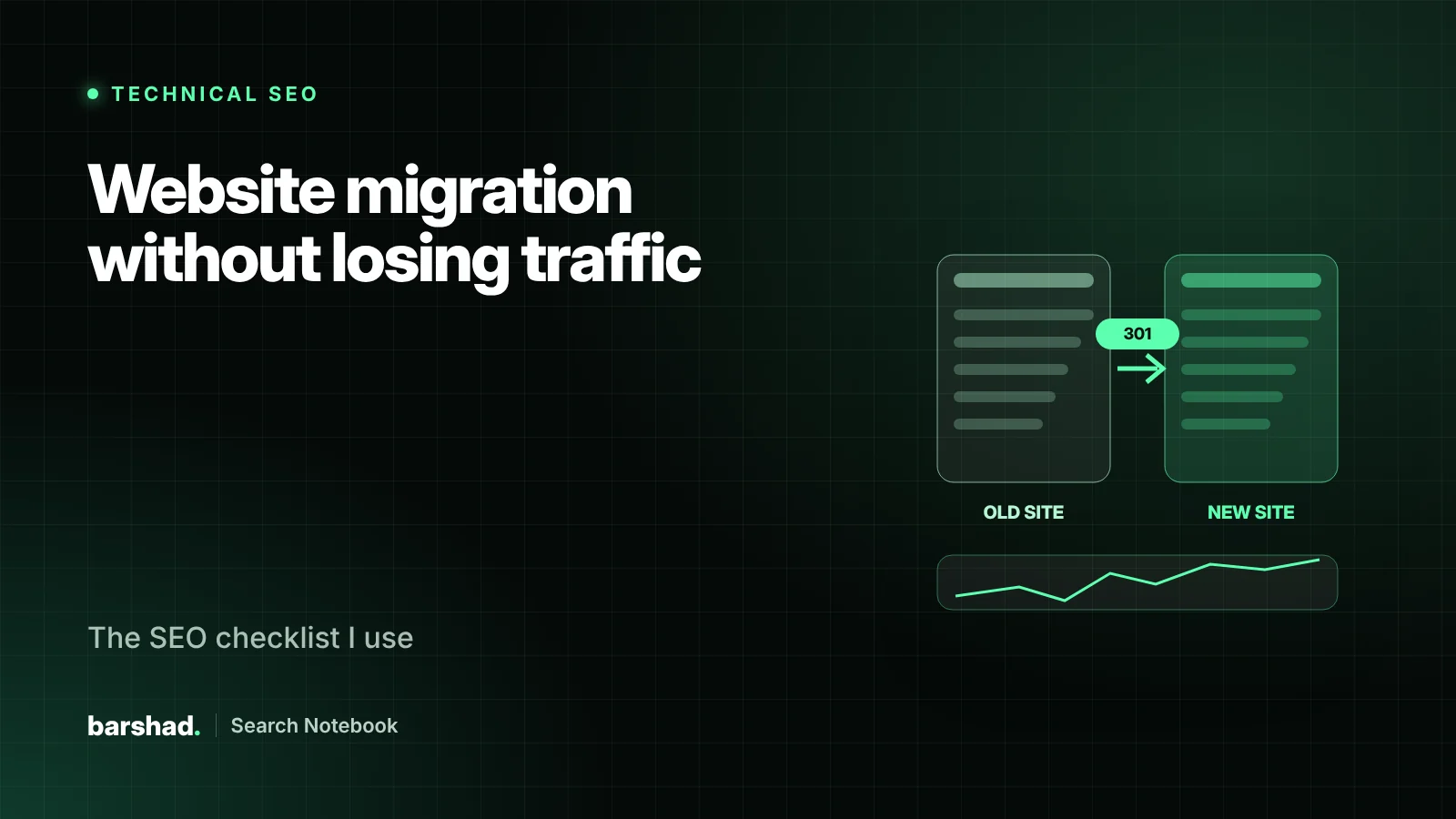
- Most migration losses come from changed URLs without correct 301 redirects.
- Benchmark everything before launch, or you will not know what you lost.
- Test the new site on staging with the same crawl you ran on the live site.
- Watch Search Console daily for the first weeks and keep redirects in place for at least a year.
A new website should be a fresh start. Too often it becomes a reset of everything search engines had learned about the business. Pages disappear, URLs change, internal links break and traffic that took years to build falls in a weekend.
It does not have to happen. A migration is a technical project with a known risk list. This is the checklist I work through, whether the change is a redesign, a move to WordPress, an HTTPS switch or a new domain.
Know which kind of migration you are doing
- Design or theme change with the same URLs. Lowest risk, but templates can still drop content, headings and structured data.
- Platform change, for example Wix or a custom build to WordPress. URLs usually change.
- Structure change: new URL patterns, merged or removed sections.
- Domain or protocol change: new domain, HTTP to HTTPS, subdomain to folder.
Every type except the first needs a full redirect map.
Before launch: benchmark and map
- Crawl the live website and export every URL with its status, title, meta description, H1, canonical and word count.
- Export performance data from Search Console and Analytics for the last 12–16 months: top pages by clicks, impressions, conversions and backlinks.
- Record rankings for your most valuable searches.
- Build the redirect map: every old URL to its closest new equivalent with a 301. Not everything to the homepage.
- Map content: make sure high-value pages keep their substance, headings and internal links on the new templates.
- Plan structured data, hreflang and canonicals for the new templates.
On staging: test like Google
- Block staging from indexing with authentication, not only a noindex tag that might be copied to live.
- Crawl staging and compare it to the live crawl: missing pages, changed titles, lost headings, new duplicates.
- Test the redirect map against the old URL list. Every old URL should return one 301 to a 200 page, with no chains or loops.
- Check rendering: make sure content and links exist in the HTML Google receives.
- Check Core Web Vitals on templates: LCP under 2.5 seconds, INP under 200 milliseconds, CLS under 0.1.
- Confirm analytics and conversion tracking fire on the new templates.
Launch day
- Remove staging blocks and confirm the live site is indexable: robots.txt, meta robots and the WordPress visibility setting.
- Deploy redirects and test a sample of top pages immediately.
- Submit the new XML sitemap. For domain changes, keep the old sitemap available for a while so Google re-crawls redirects faster.
- For a new domain, use Search Console’s Change of Address tool.
- Update your Business Profile, social profiles and important directory listings.
The first eight weeks
- Check Search Console daily for two weeks: Page indexing, crawl stats and 404s.
- Compare clicks and impressions for your top pages against the benchmark every week.
- Fix any 404 that receives traffic or links with a redirect to the right page.
- Ask partners to update important links to the new URLs.
- Keep redirects in place for at least a year, ideally permanently.
Warning signs
A dip of a few weeks is normal. Act quickly if you see impressions falling steadily after the first fortnight, important pages reported as “not indexed”, rising 404s, or rankings lost only for pages whose content changed. Each points to a specific cause you can trace through the benchmark.
A redirect map that works
A redirect map is a simple table, but the rules matter:
| Old URL | New URL | Rule |
|---|---|---|
| /services.php?id=7 | /services/ac-repair/ | Exact equivalent, one 301 |
| /blog/2019/05/ac-tips | /blog/ac-maintenance-guide/ | Merged into a stronger, updated guide |
| /offers/summer-2021 | /offers/ | Expired page to its closest parent, not the homepage |
| /en/contact-us | /contact/ | Pattern rule for every /en/ URL |
- Every old URL with traffic, links or conversions gets an exact destination.
- Redirect straight to the final URL. Chains such as A → B → C waste crawling and slow users.
- Only send pages to the homepage when nothing related exists. Google may treat mass homepage redirects as soft 404s.
- Keep the map in version control or a shared sheet, so the developer and SEO work from the same truth.
Who does what
| Task | Owner |
|---|---|
| Benchmark, crawl and redirect map | SEO |
| Templates, redirects and server rules | Developer |
| Content mapping and rewrites | SEO with content team |
| Staging tests and launch checks | SEO and developer together |
| Go or no-go decision | Project owner |
A go or no-go rule for launch day
Agree in advance that you will not launch if the top 100 pages by traffic do not redirect correctly, if staging blocks are still on the live site, or if tracking is broken. A one-day delay is cheap. A month of lost enquiries is not.
Platform notes
- Moving to WordPress. Set the permalink structure before importing content, check that the SEO plugin is not left in a “noindex” default, and make sure category and tag archives you do not want indexed are handled deliberately.
- Moving to Shopify. Shopify uses fixed URL patterns such as /products/ and /collections/, so almost every URL changes. Use its URL redirects feature for the full map, and plan how collection filters will be handled.
- Custom or headless builds. Confirm that titles, canonicals, structured data and main content are present in the HTML Google receives, not only after JavaScript runs.
- Merging websites. Decide which page wins for each topic and merge content into it, rather than redirecting a strong page into a weak one.
The questions to ask your agency or developer
- Will any URLs change? Where is the redirect map?
- How will you prevent staging from being indexed, and how will that be removed at launch?
- Which pages lose content in the new design?
- Who checks Search Console during the first two weeks?
- What is the rollback plan if something critical breaks?
If nobody can answer the first question, the migration is not ready.
Need a second pair of eyes?
Migrations are where an hour of planning saves months of recovery. I can review your redirect map and staging site before launch or diagnose a drop afterwards. See my technical SEO and website development services, or tell me your launch date.
Frequently asked questions
Will I lose rankings when I migrate?
A short period of fluctuation is normal while Google re-crawls and re-processes the site. With complete redirects and no loss of content, most sites recover within weeks. Large, lasting drops usually point to missing redirects, removed content or blocked pages.
How long should I keep redirects?
Google recommends keeping them for at least a year. In practice, keep them as long as you control the old domain or paths, because old links and bookmarks keep sending people there.
Should I change my content and design at the same time as the domain?
Fewer simultaneous changes make problems easier to diagnose. If you must do everything at once, plan the redirect map and content mapping with extra care.
Do I need to tell Google about a domain change?
Yes. Use the Change of Address tool in Search Console after redirects are live, and keep both properties verified.
SEO specialist and digital marketer based in Dubai with 7+ years across technical SEO, content strategy and WordPress development. Former Senior SEO Lead.
Related guides.
Why is my website not showing on Google? A 15-minute diagnosis
Before you pay for ads or a new website, find out which of three problems you have: Google cannot find…
Read article
How much does SEO cost in Dubai? What you are really paying for
Two SEO quotes for the same website can be ten times apart, and both can be honest. Here is what…
Read article
Local SEO in Dubai: how to rank in Google Maps in 2026
Google ranks local businesses on relevance, distance and prominence. Distance you cannot change, but the other two you can. This…
Read article